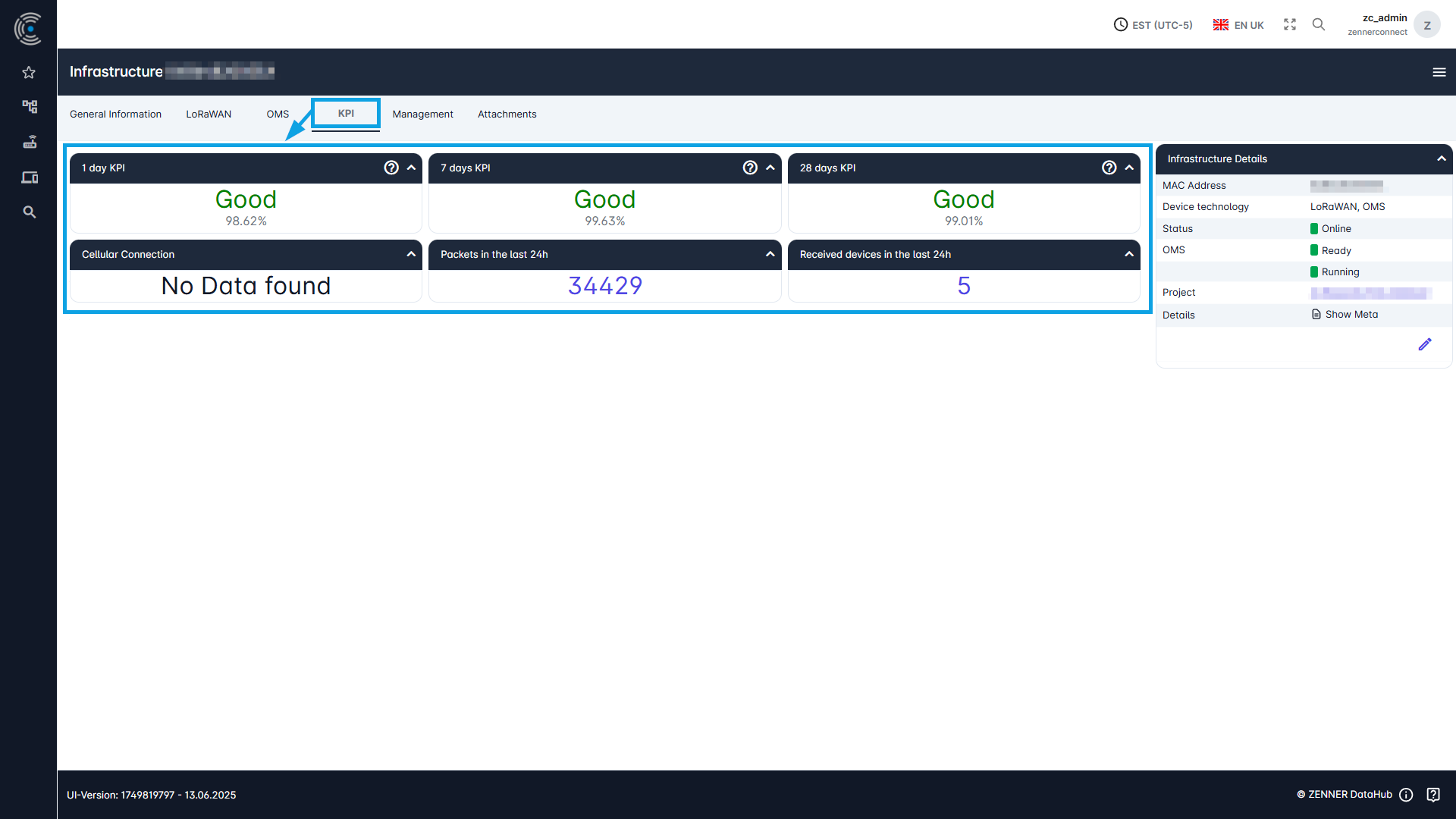
If you want to view the Key Performance Indicators (KPI) of an infrastructure component respectively Gateway, go into the tab “KPI” of the relevant Gateway.
The Cellular Connection information can be found in the left-hand column. The middle column shows the Number of packets sent in the last 24 hours. The right-hand column shows the Number of received devices in the last 24 hours by the respective Gateway.