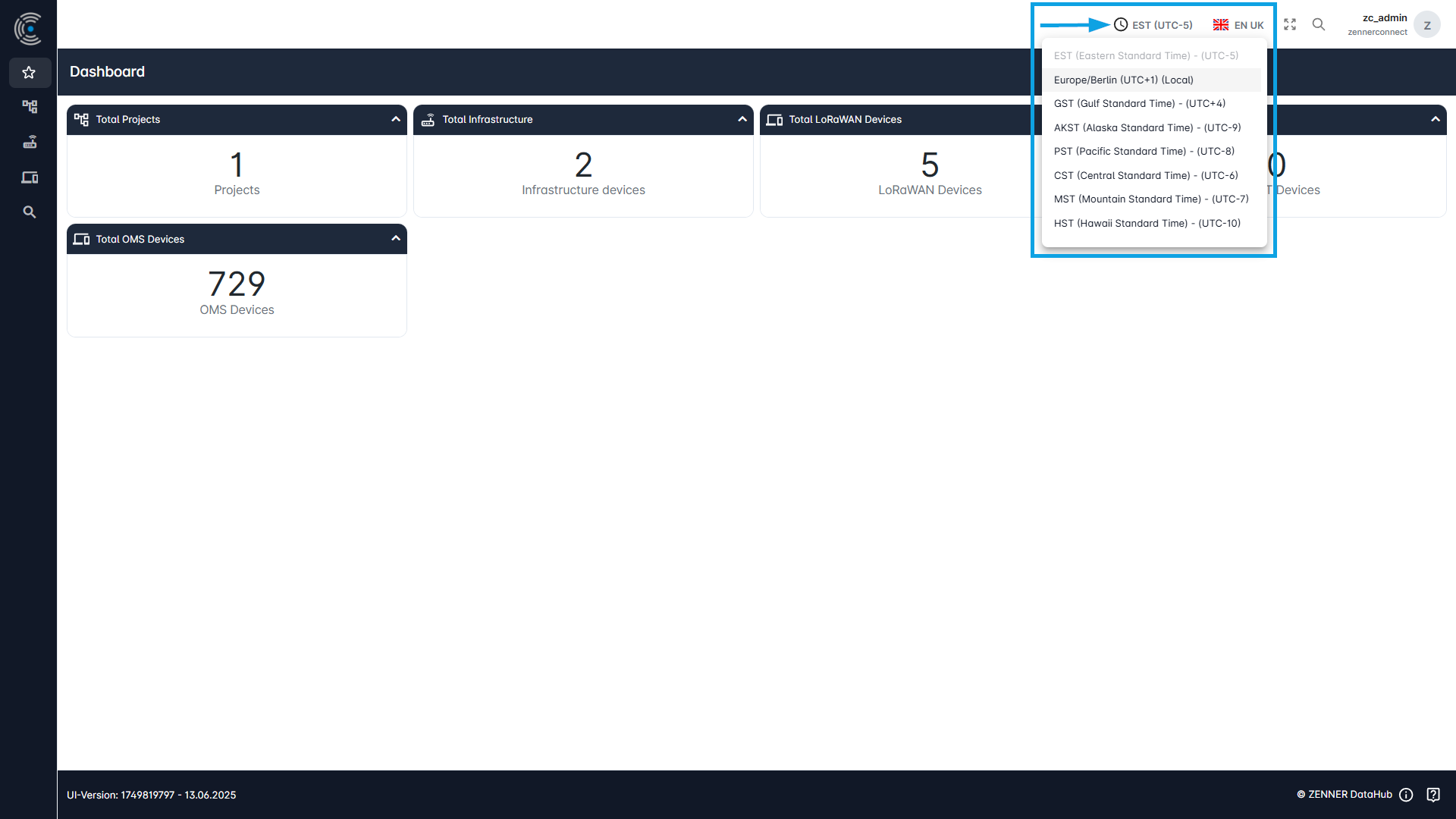
The time zone can also be adjusted. To do this, click on the clock icon in the top right-hand corner, left to the language switch, and select the relevant time zone from the appearing dropdown. The currently selected time zone is always displayed to the right here.
Currently, the following time zones are supported:
- Europe/Berlin (UTC+1) (Local)
- EST (Eastern Standard Time) – (UTC-5)
- GST (Gulf Standard Time) – (UTC+4)
- AKST (Alaska Standard Time) – (UTC-9)
- PST (Pacific Standard Time) – (UTC-8)
- CST (Central Standard Time) – (UTC-6)
- MST (Mountain Standard Time) – (UTC-7)
- HST (Hawaii Standard Time) – (UTC-10)