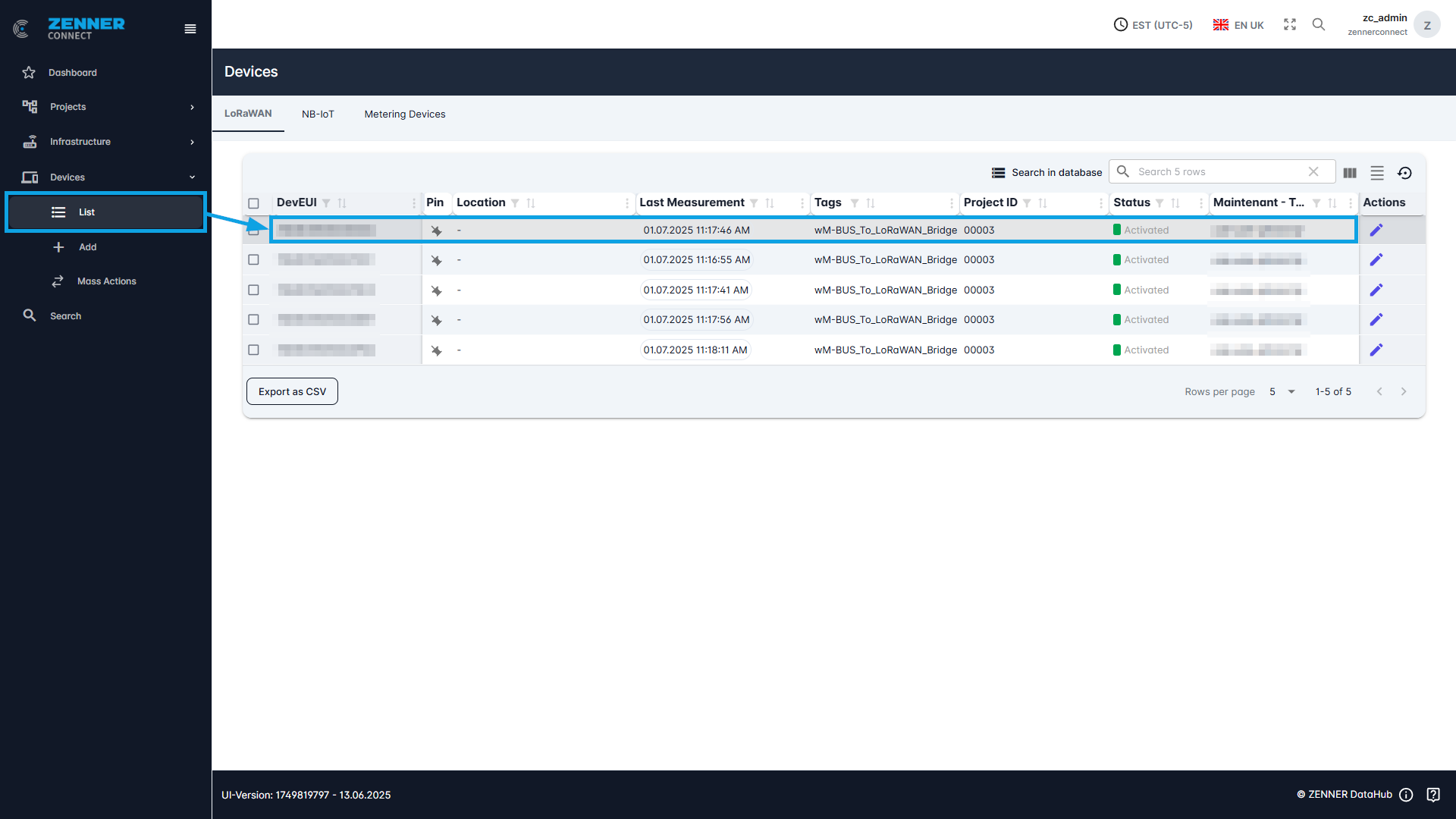
There are 2 ways for editing Devices manually. In both cases, the first step is always to navigate to the device list.
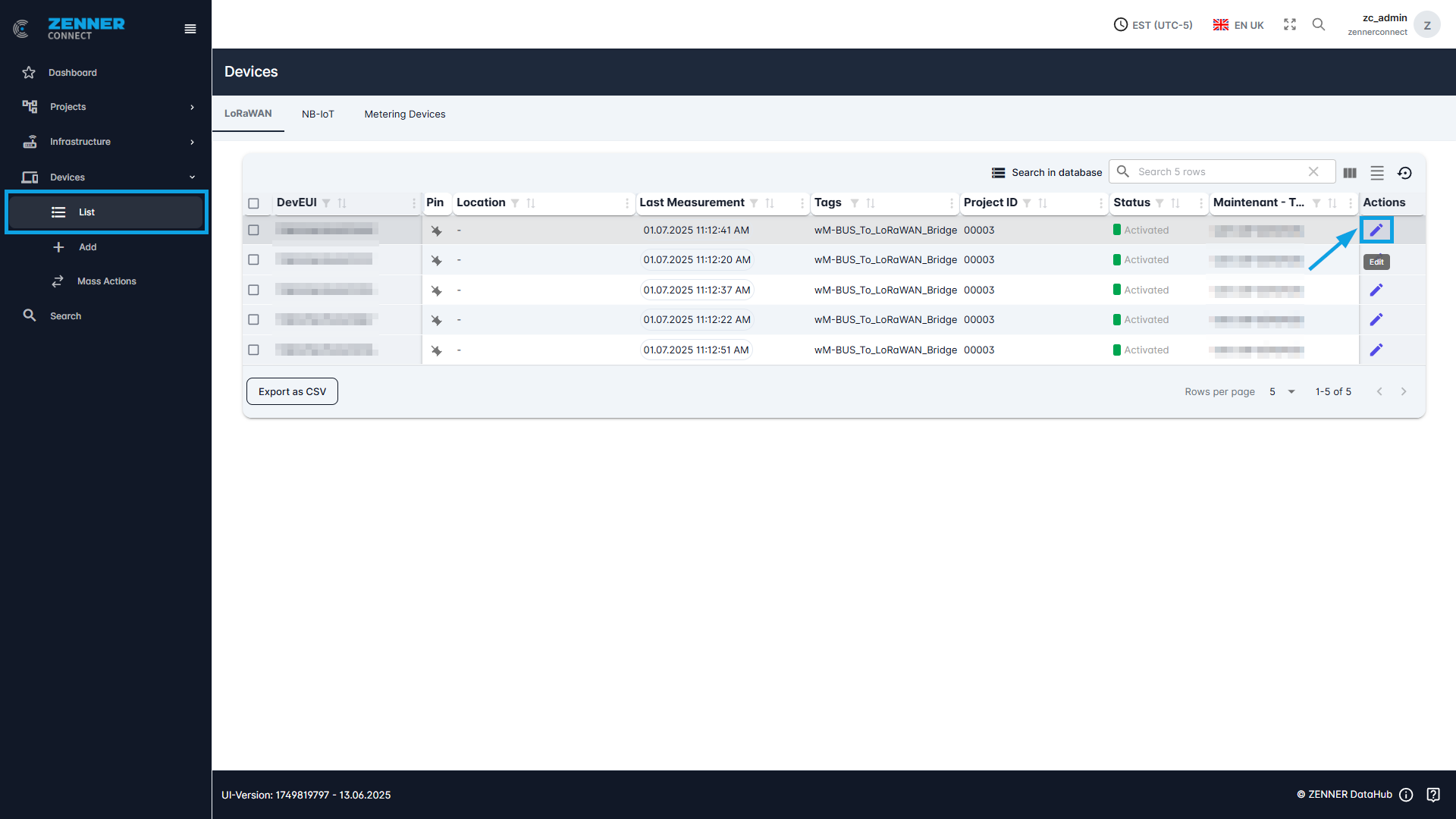
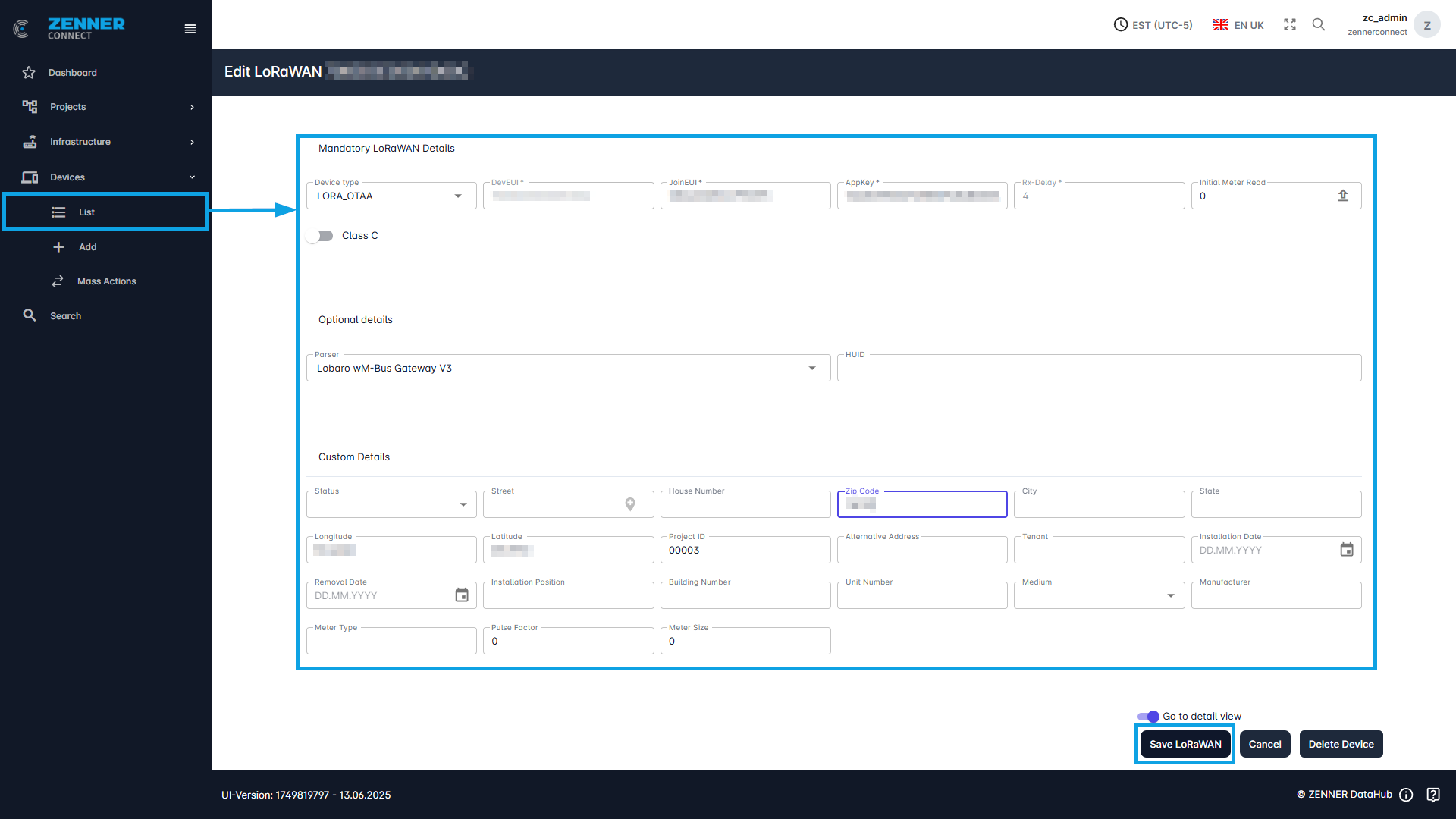
The first way is to directly use the “Edit” button on the right of the respective device. By clicking you will beforwarded to the respective Edit mask.
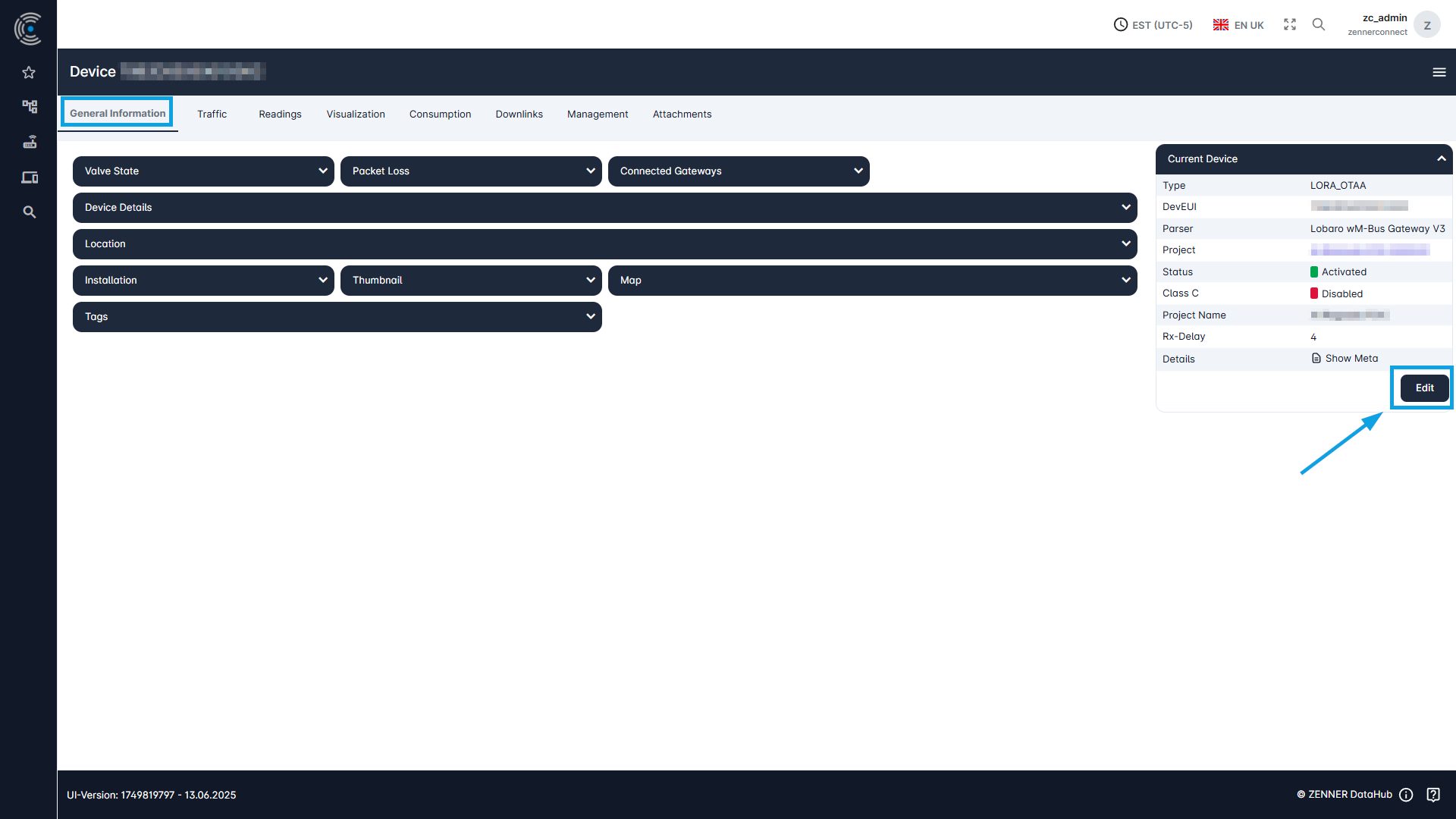
The second way is to first select a device from the device list, open it by clicking somewhere else on it and then use the “Edit” button on the right here.