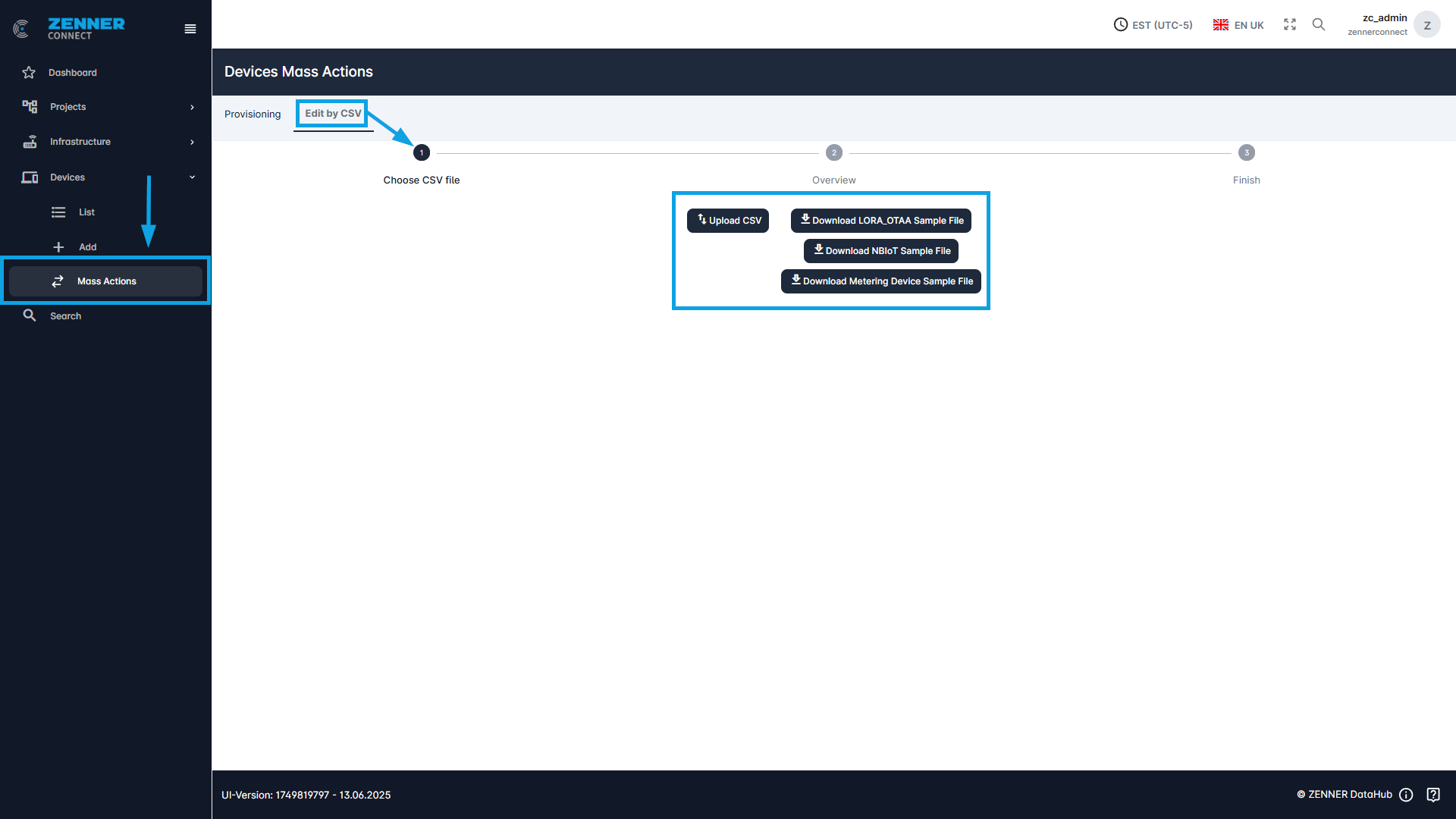
The “Mass Actions” tab offers the option to provision/deprovision devices and/or edit devices by CSV upload.
Provisioning & Deprovisioning Devices
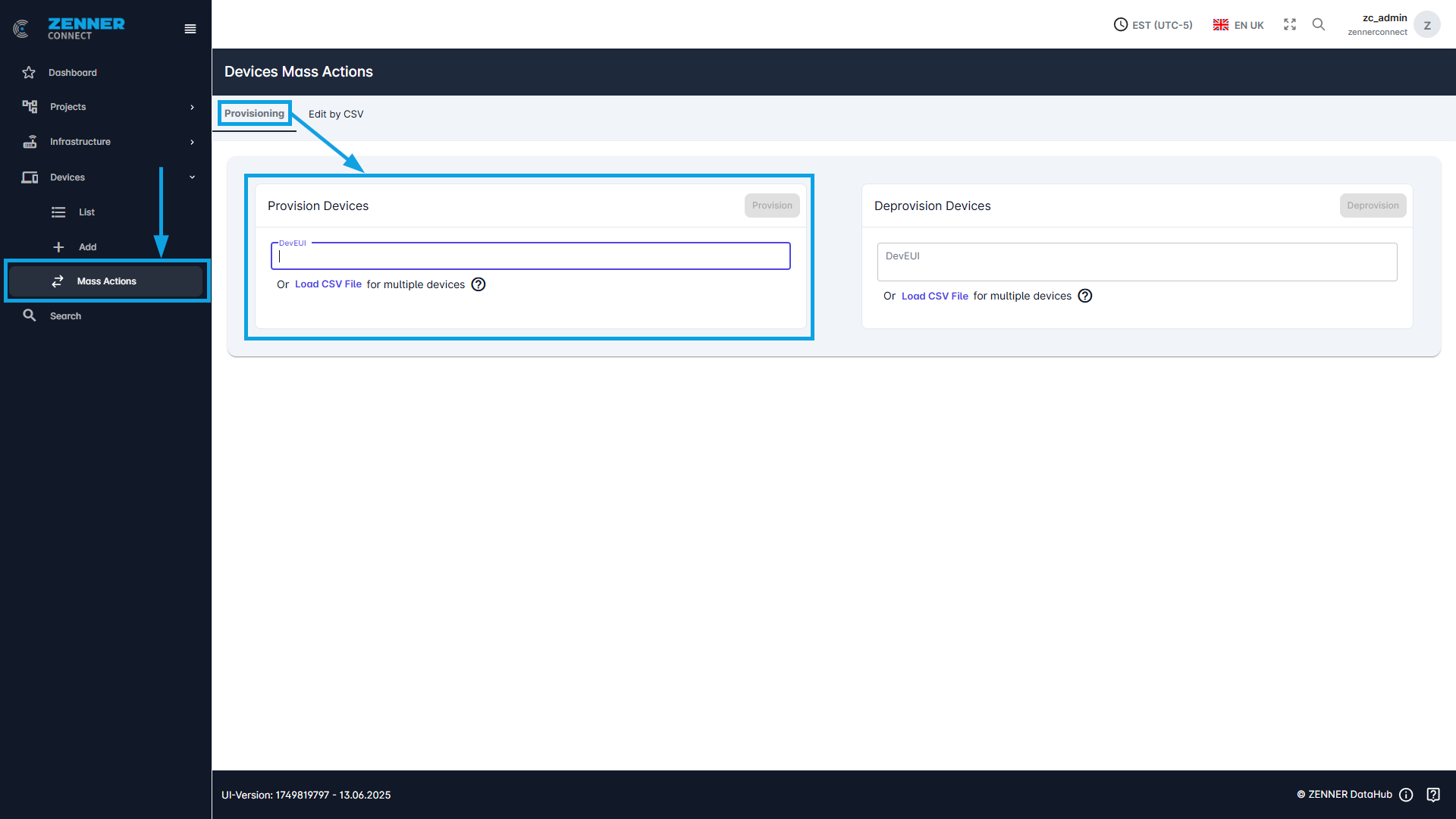
If the sensors are known to the UAA tenant, i.e., have already been created in the past, they can be moved to the respective tenant and activated using the provisioning command.
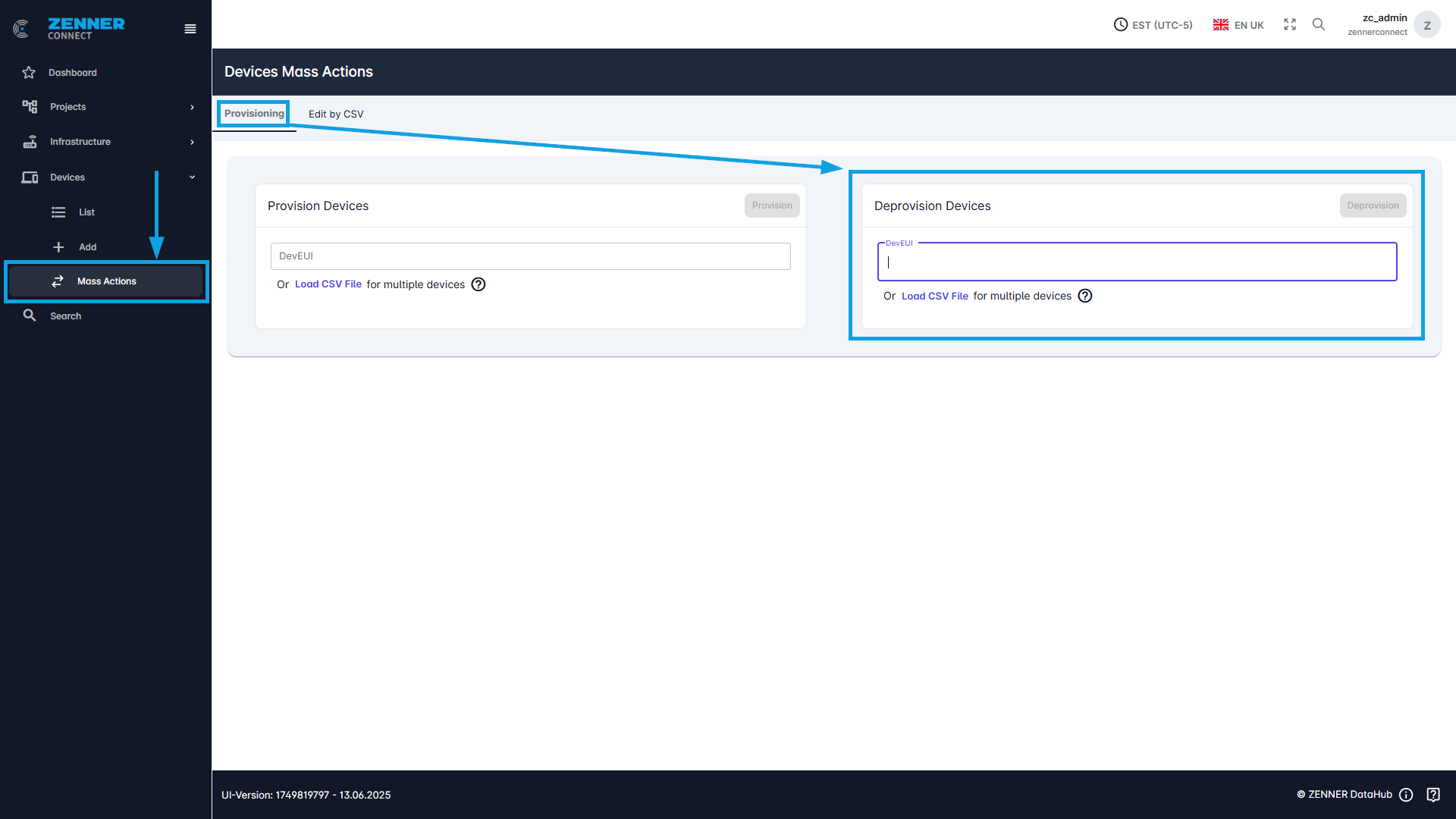
In this case, provisioning means activating the sensor. Deprovisioning, on the other hand, refers to deactivating the sensor. Deprovisioning moves a sensor to the UAA tenant and it can no longer send measured values. If the sensor is to be reactivated at a later time, it can be reactivated using the provisioning command. Only the DevEUI is then required for this process.
For a single DevEUI, it can be entered in the text field and then executed using the “Provision” or “Deprovision” command.
If several devices are to be provisioned or deprovisioned, a CSV file can be imported via “Upload CSV“. In the CSV file, all DevEUIs to be provisioned or deprovisioned must be listed one below the other.
Edit Devices by CSV Upload
To edit multiple devices in batch, you can open the tab “Edit by CSV” under “Mass Actions” at the top.
A sample file can be downloaded here and information from several devices can be edited in the corresponding lines.
When editing, it checks whether the DevEUI is known and adjusts the remaining information here.