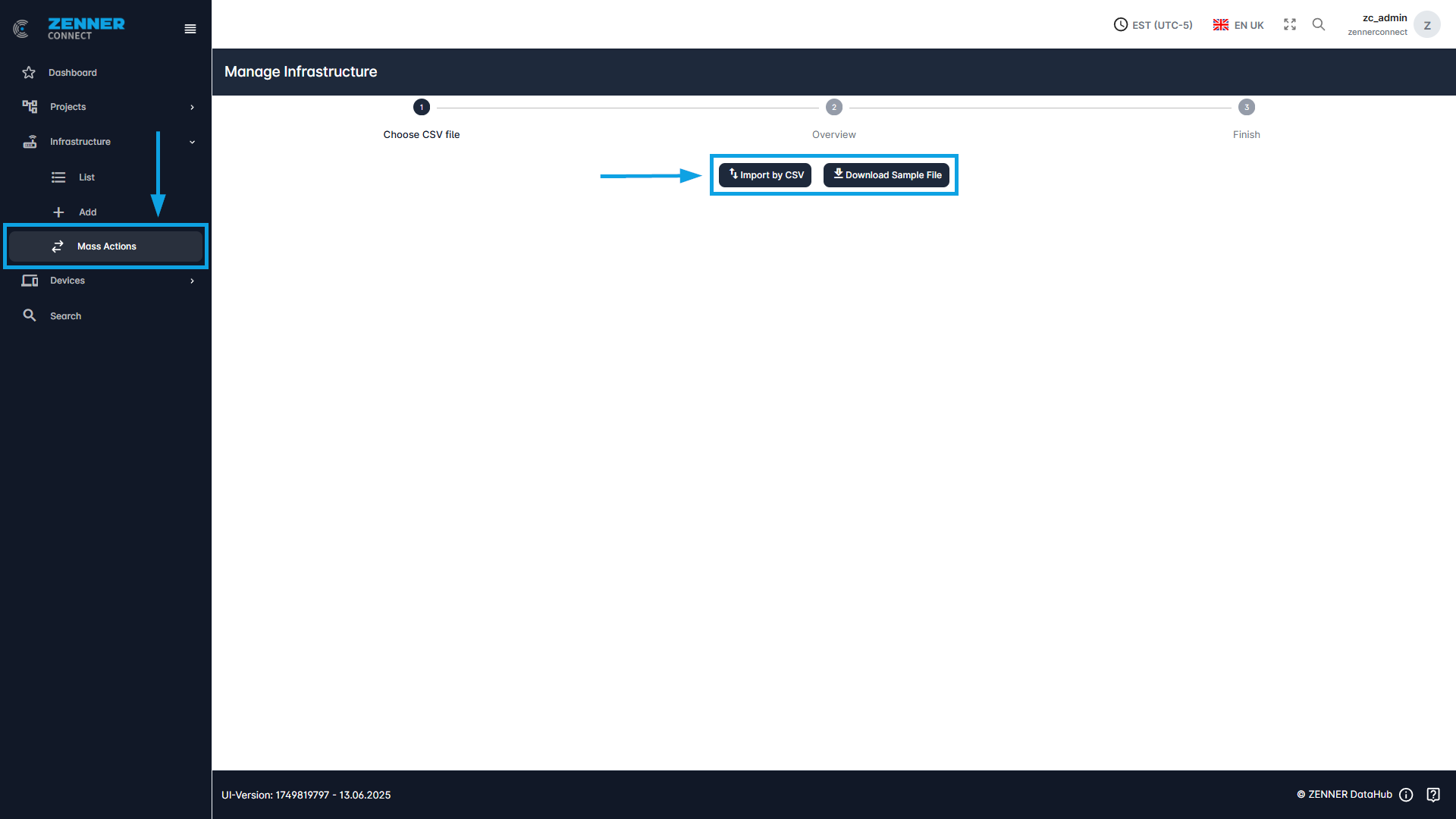
To edit multiple infrastructure components in batch, such as for example Gateways, open the “Mass Actions” tab and simply follow almost the same steps as when adding new infrastructure by CSV import.
If you have previously added new infrastructure components in batch by CSV import before, you can simply upload this CSV file again with the relevant updates. If not, you can also first download a sample file and then fill it with the relevant data. When you upload the adapted file via “Import by CSV”, the system checks whether the MAC address is known to the Datahub and, if so, the relevant changes are made.