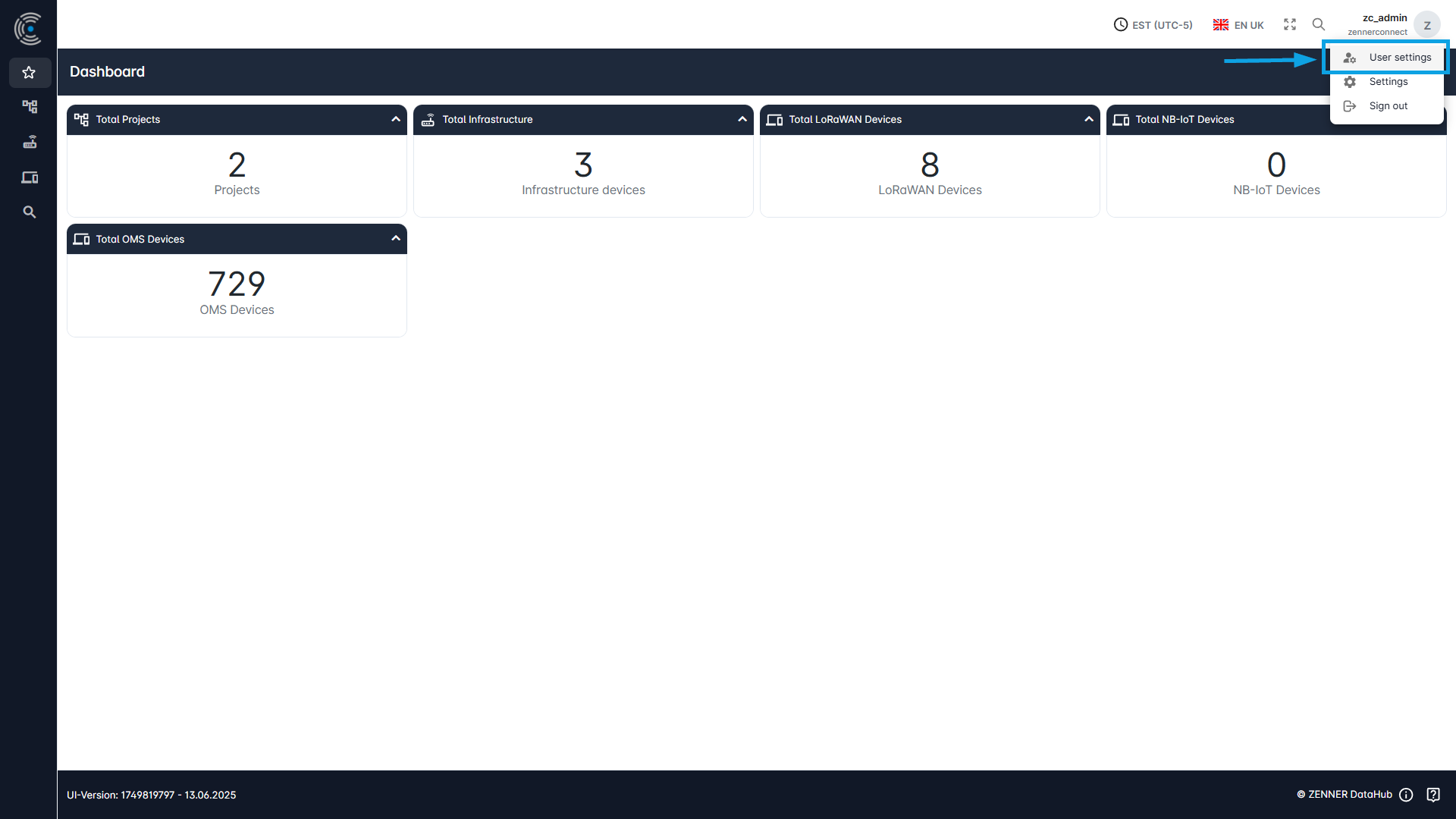
To access the user settings, click on your account/profile in the top right-hand corner and then select “User Settings” in the appearing dropdown.
More detailed information about the User Settings you can find in the section Edit & View Users.

To access the user settings, click on your account/profile in the top right-hand corner and then select “User Settings” in the appearing dropdown.
More detailed information about the User Settings you can find in the section Edit & View Users.