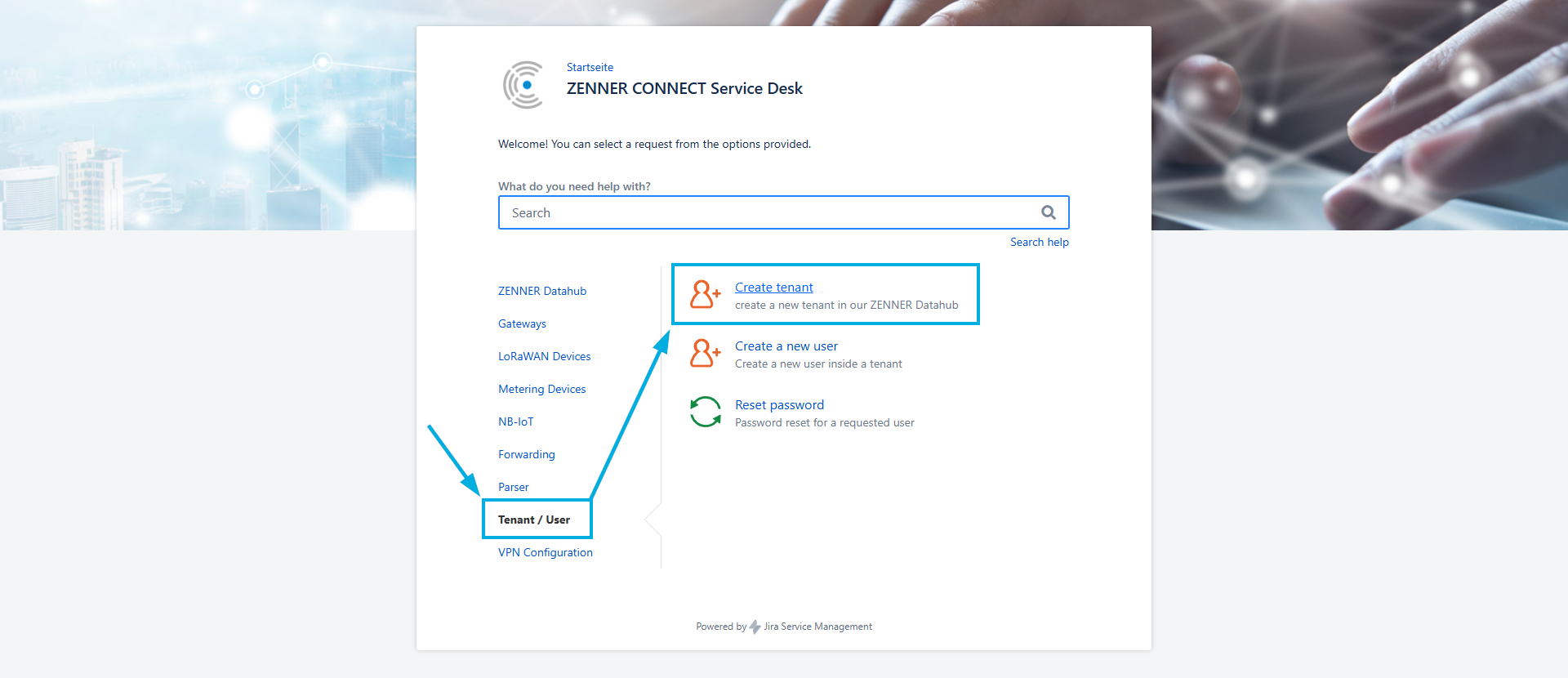
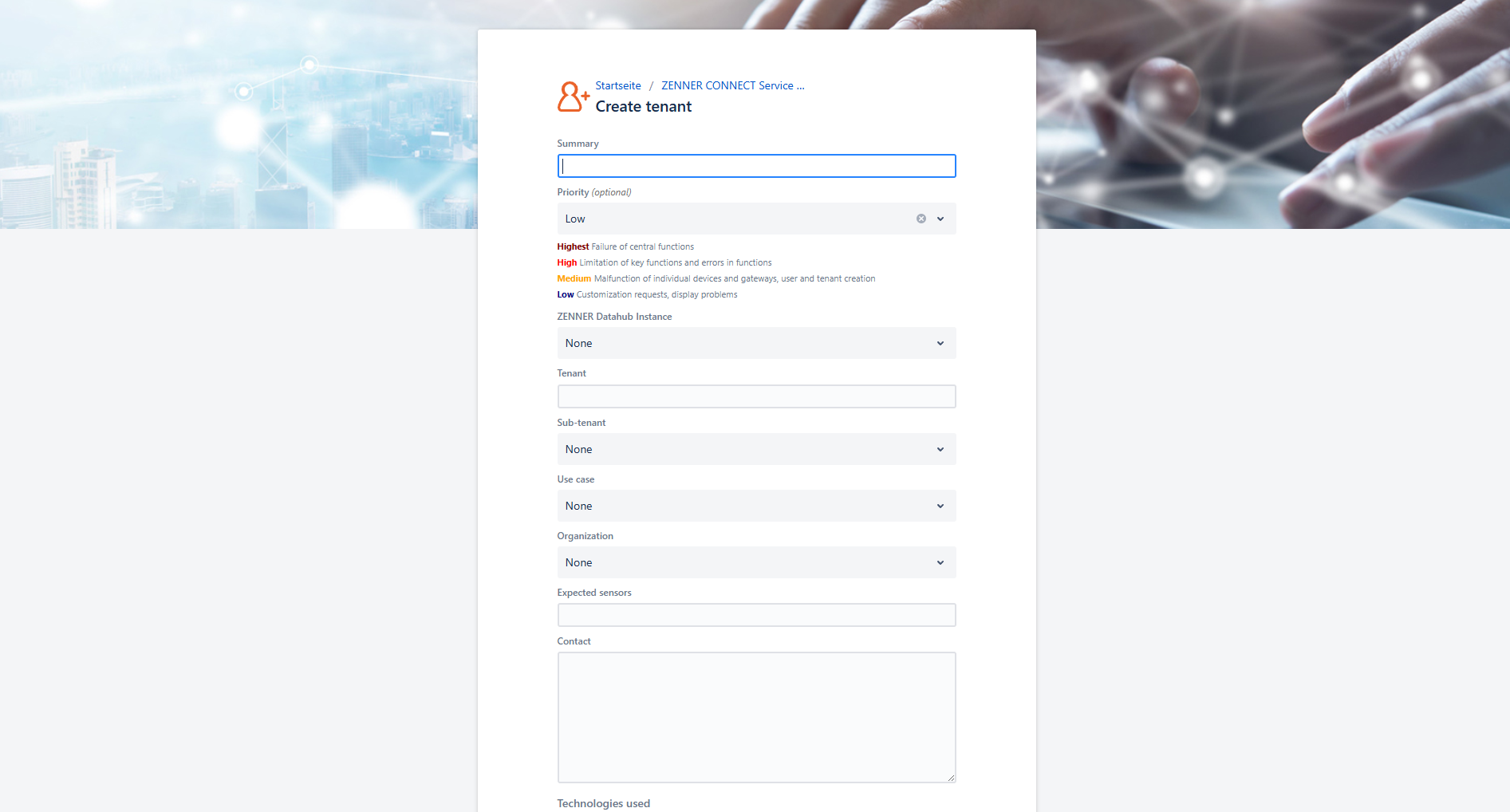
A new tenant can only be created by the ZENNER Connect Team itself and must be requested by email or by creating a ticket in the ZENNER Connect Service Desk with the following required information:
- Tenant Name proposal
- Sub-tenant needed: yes/no? + If yes, also Sub-tenant Name proposal
- Primarily intended Use Case(s)
- Approximate number of expected Meters/Devices
- Technologies used → LoRaWAN, NB-IoT, etc.
- Optional: Which users need an account → full name (first + last name), email address, company/customer affiliation, needed permissions