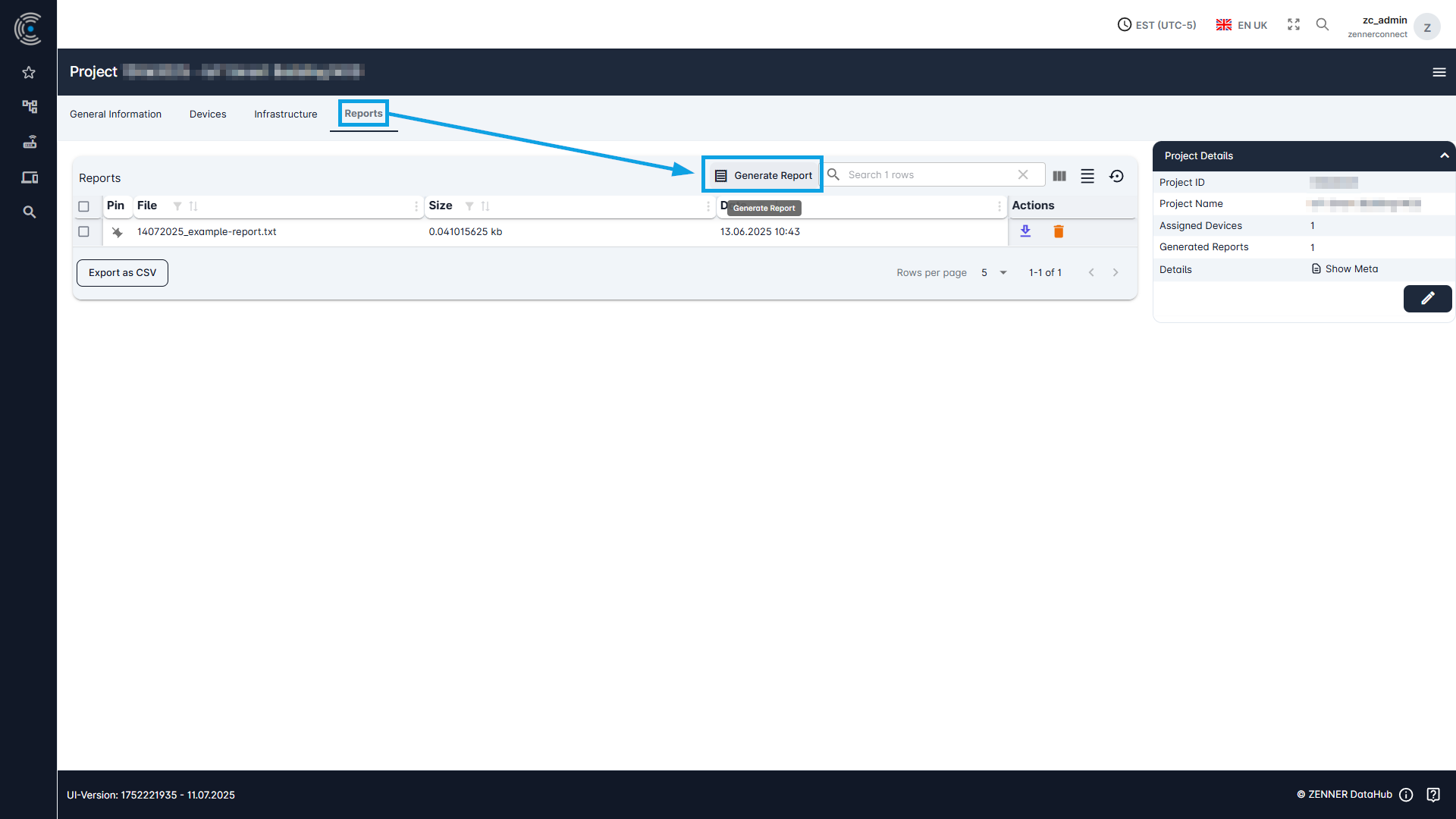
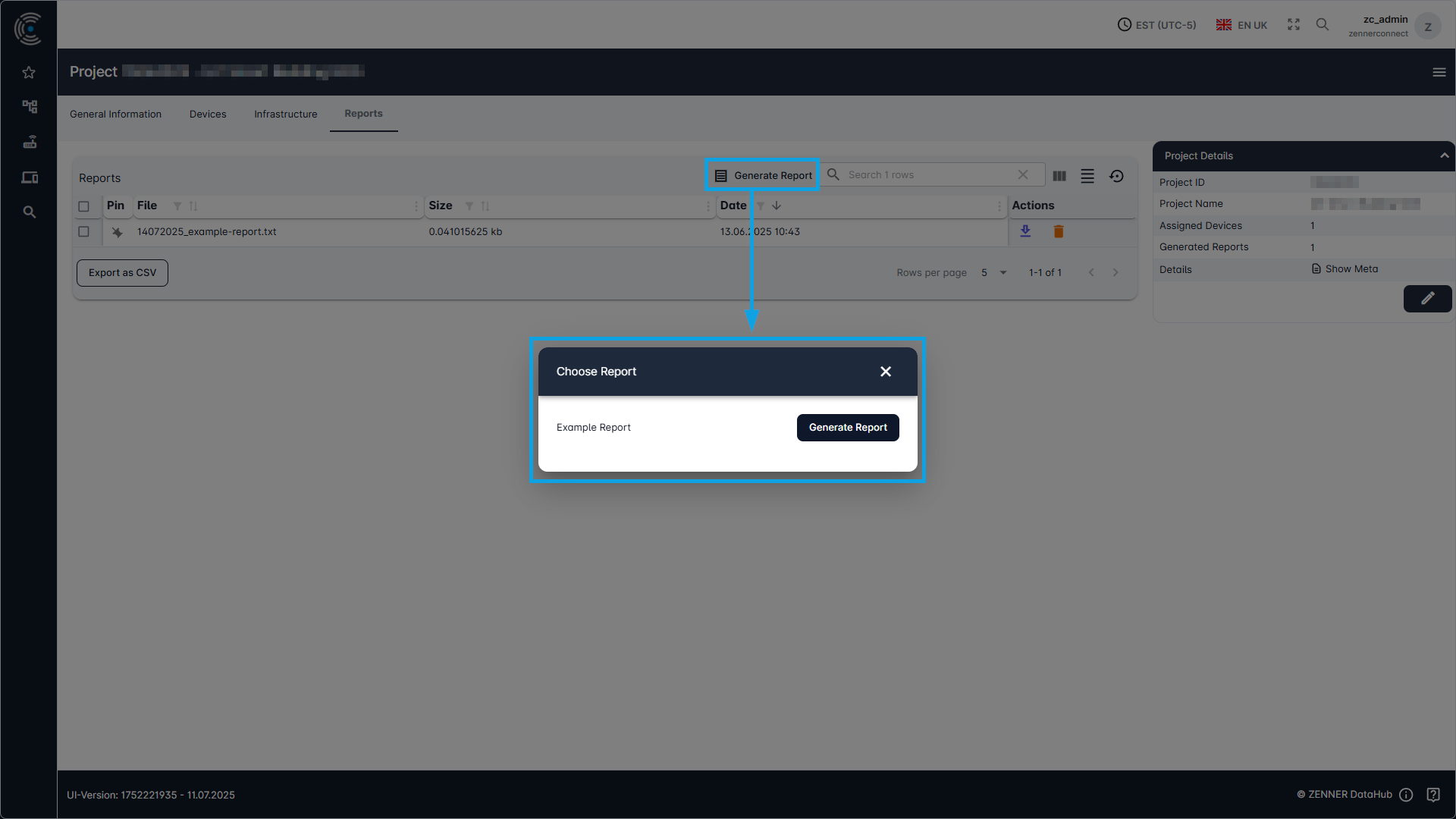
An individual project for which reports are to be generated must be selected via the Project list. In the respective project then click on the “Reports” tab and there on the “Generate Report” button. Then you can choose the wanted report and initiate the generation. It may take a moment until the report becomes visible. If the report should not become then directly visible in the respective Reports list, a page reload could help.
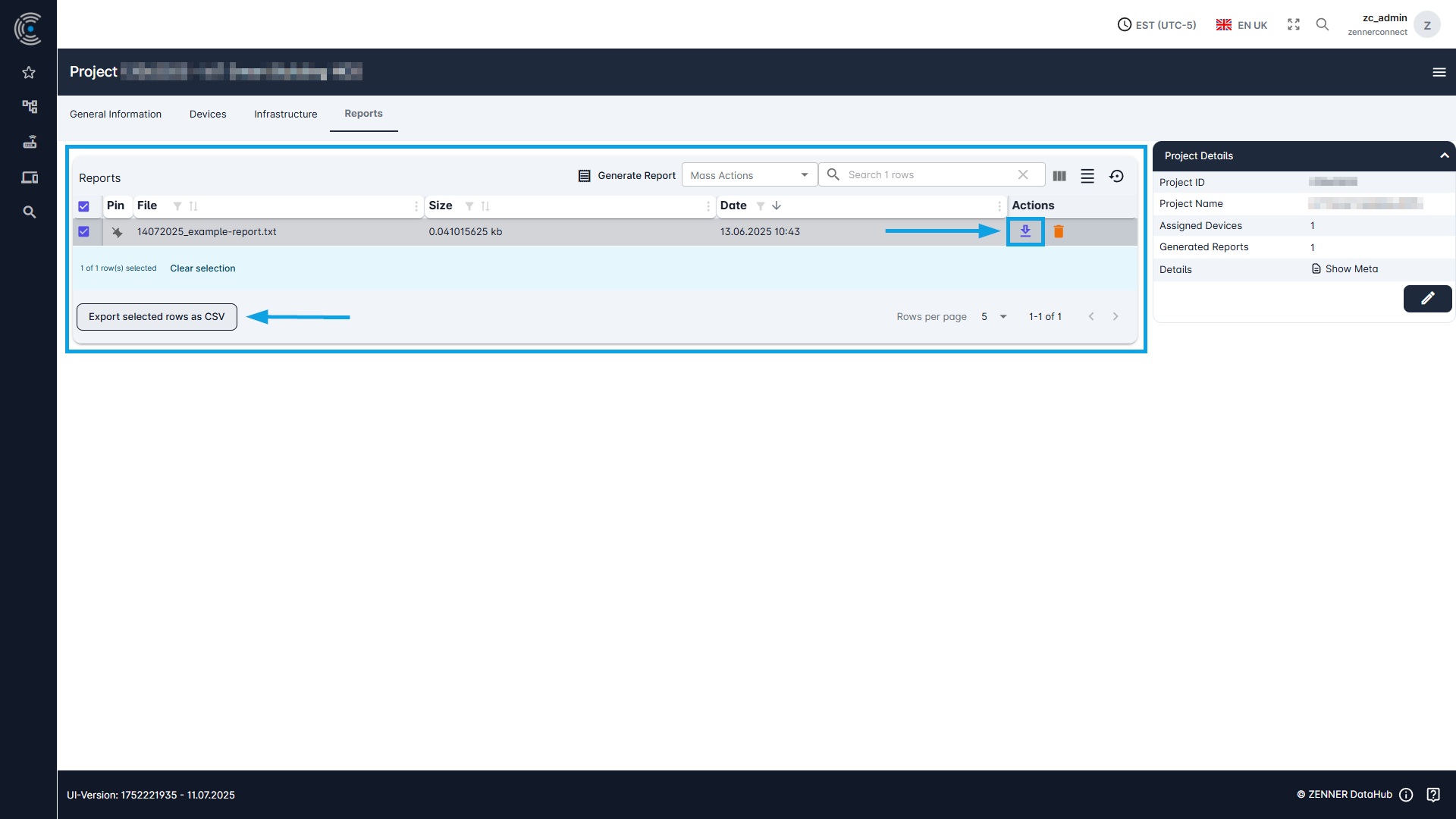
After its generation, you can select it in the list and Export a Report as CSV file or directly use the “Download” button next to the respective report in the list.