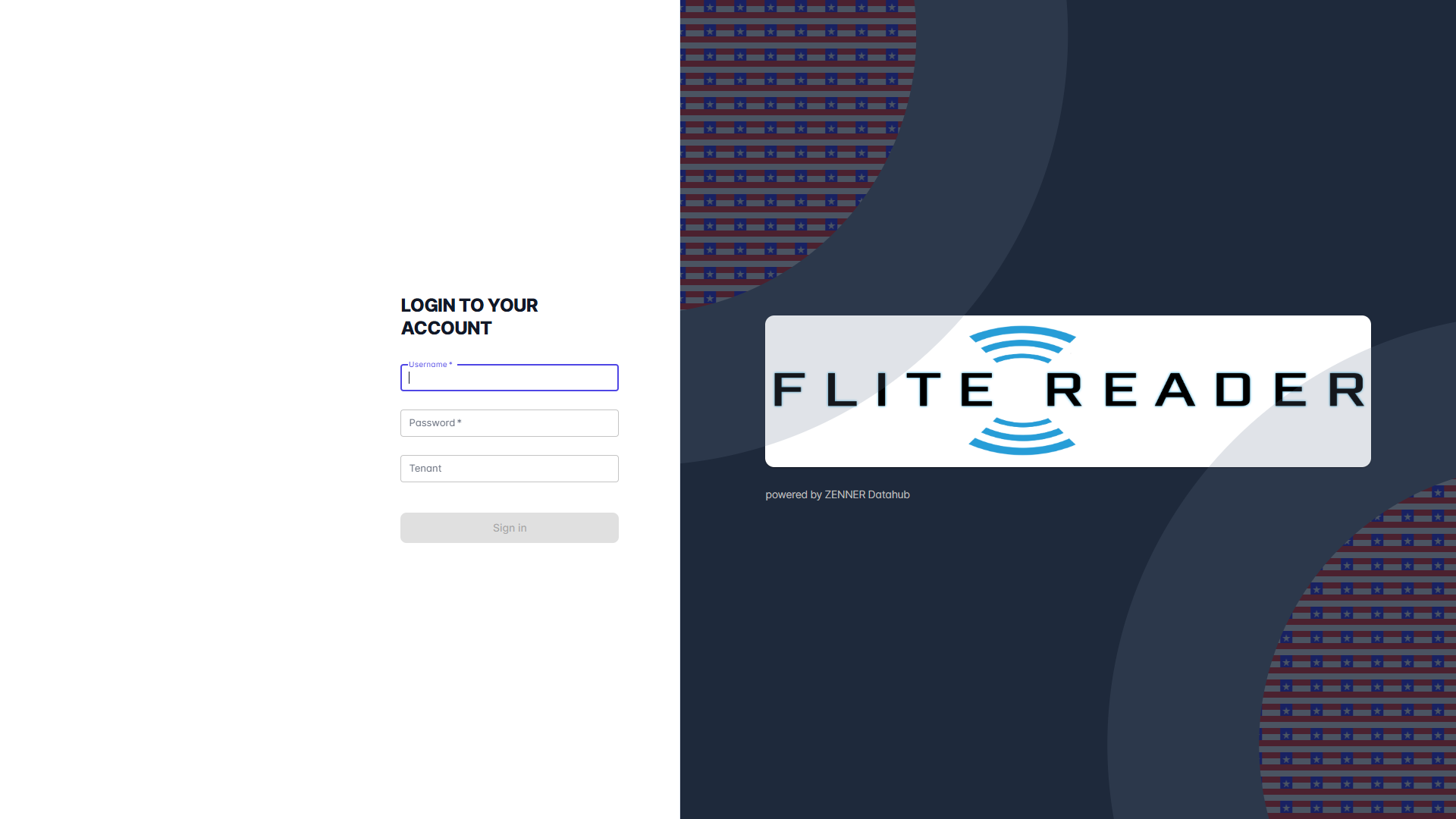
Before you can log in to to your Datahub tenant, the initial access data has to be created and sent by email by the ZENNER Connect respectively Minol USA team. If you need additional access afterwards, you can either add them yourself as an admin user with the appropriate rights, as described in the “Add New Users” section, or also request them.
You can log in to Datahub by entering the username, password and tenant name.
Important: A separate user is needed for each Datahub tenant. This means that each username and password combination is valid for only one tenant, and it is not possible to log in to multiple tenants simultaneously, e.g. via multiple browser tabs. Therefore, if you wish to switch tenants, you must first log out of the current one and then log in to the other one.