
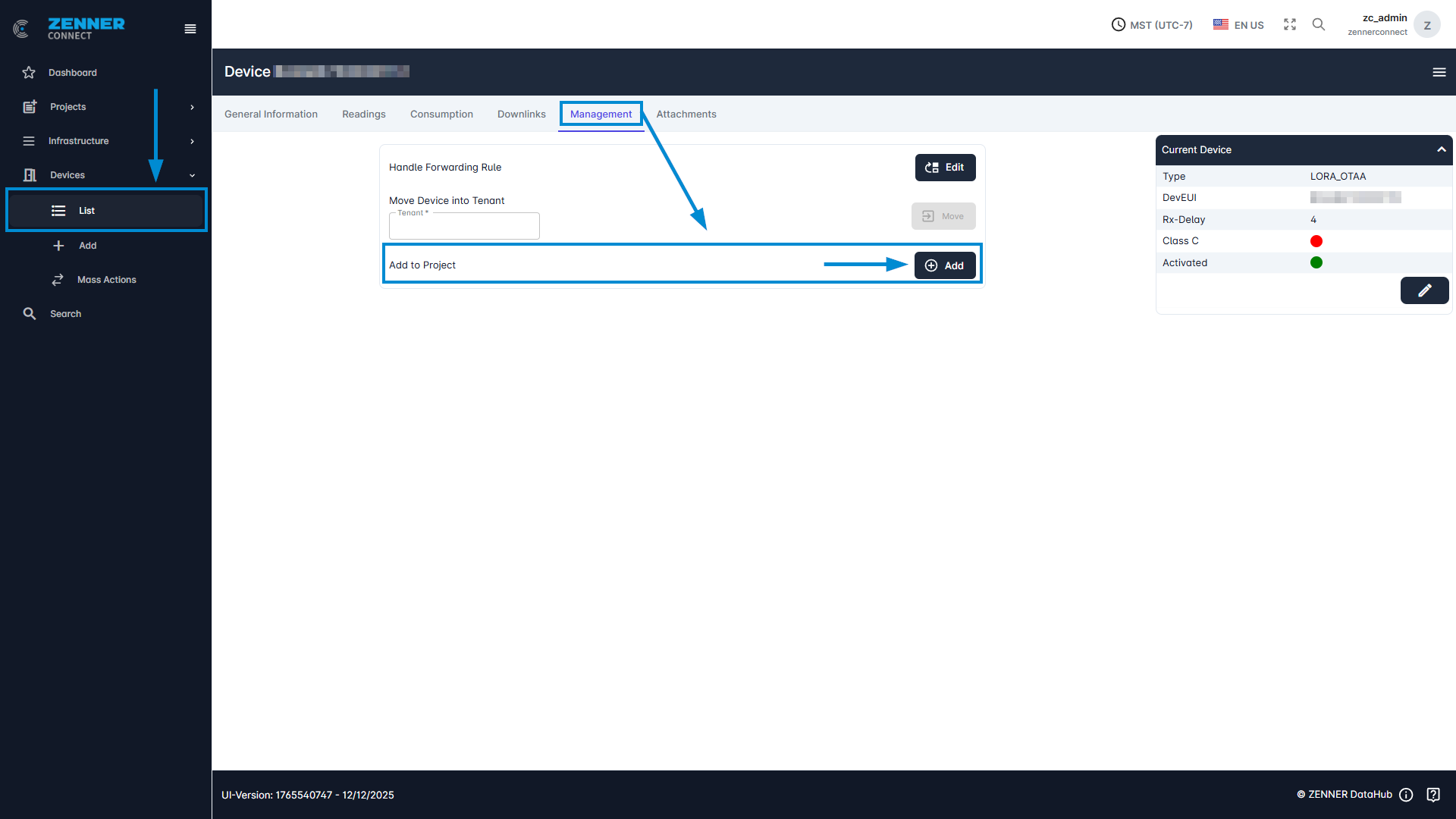
To assign a device to a project, go into the tab “Management” of the relevant device and click there on the respective “Add to Project” button.
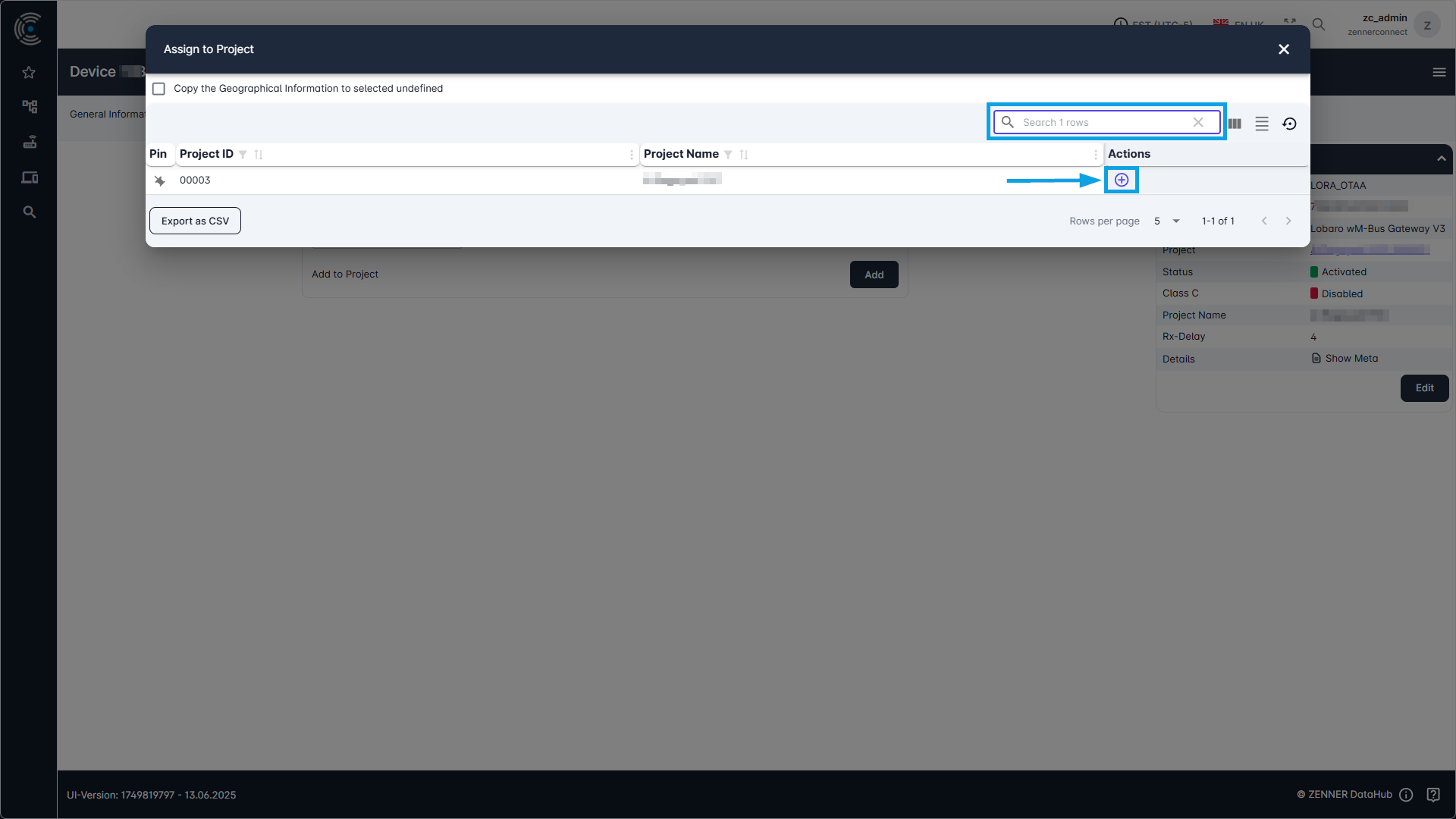
Select the relevant project you want to assign the device to from the shown list and simply click on the “+” button next to it. The device is now assigned to the respective project.
Other options how to assign devices to projects are described under Assign Devices & Infrastructure.