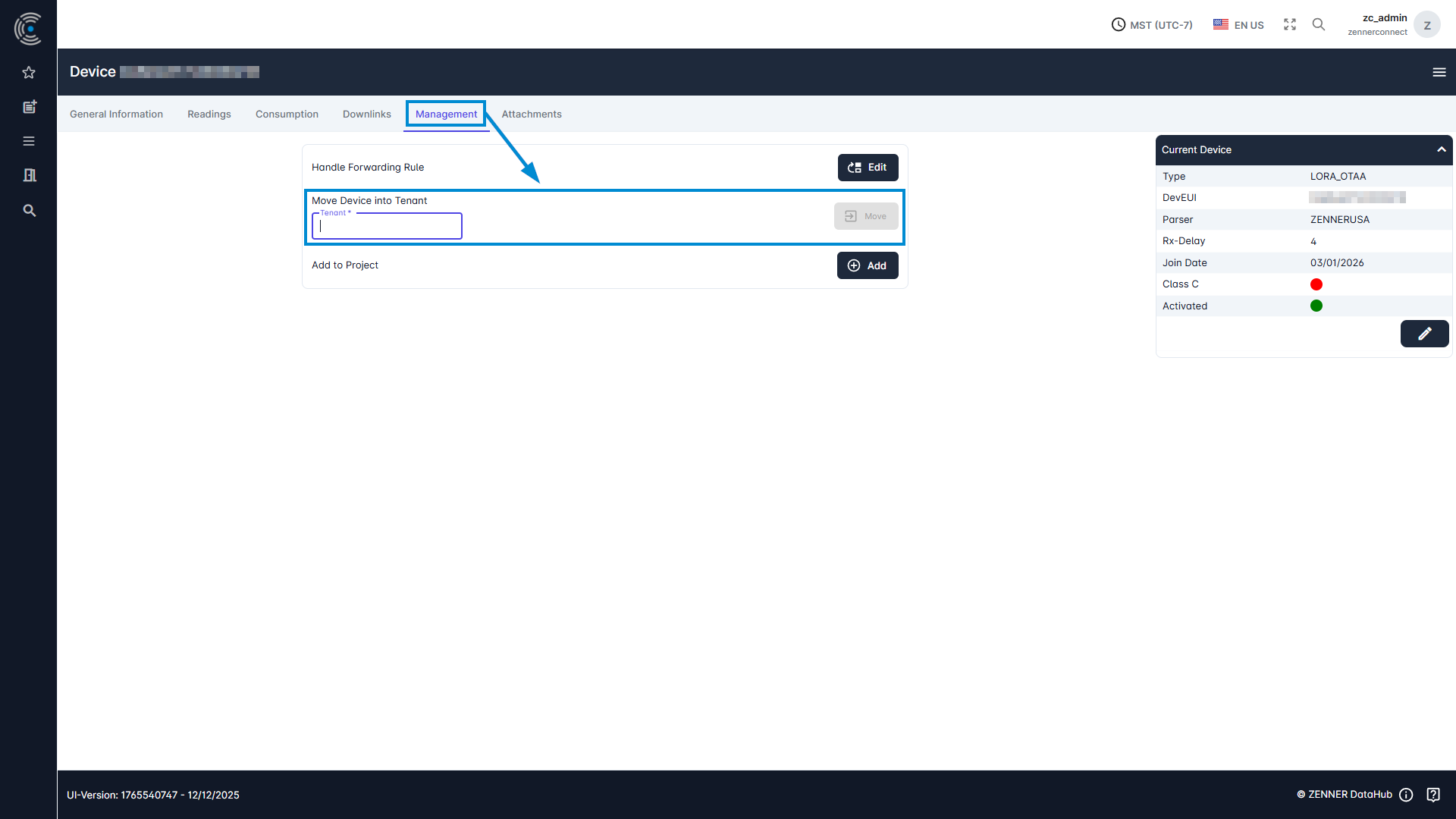
If you have the needed permissions with your Datahub user, you can also move a device into another tenant to which you also have access to. To do this, go into the tab “Management” of the relevant device, enter the name of the target tenant, and click the “Move” button.