
This section explains how to view a device’s readings. The readings are all measured values sent/received by a device after decryption (parsing) of the respective raw data packets.
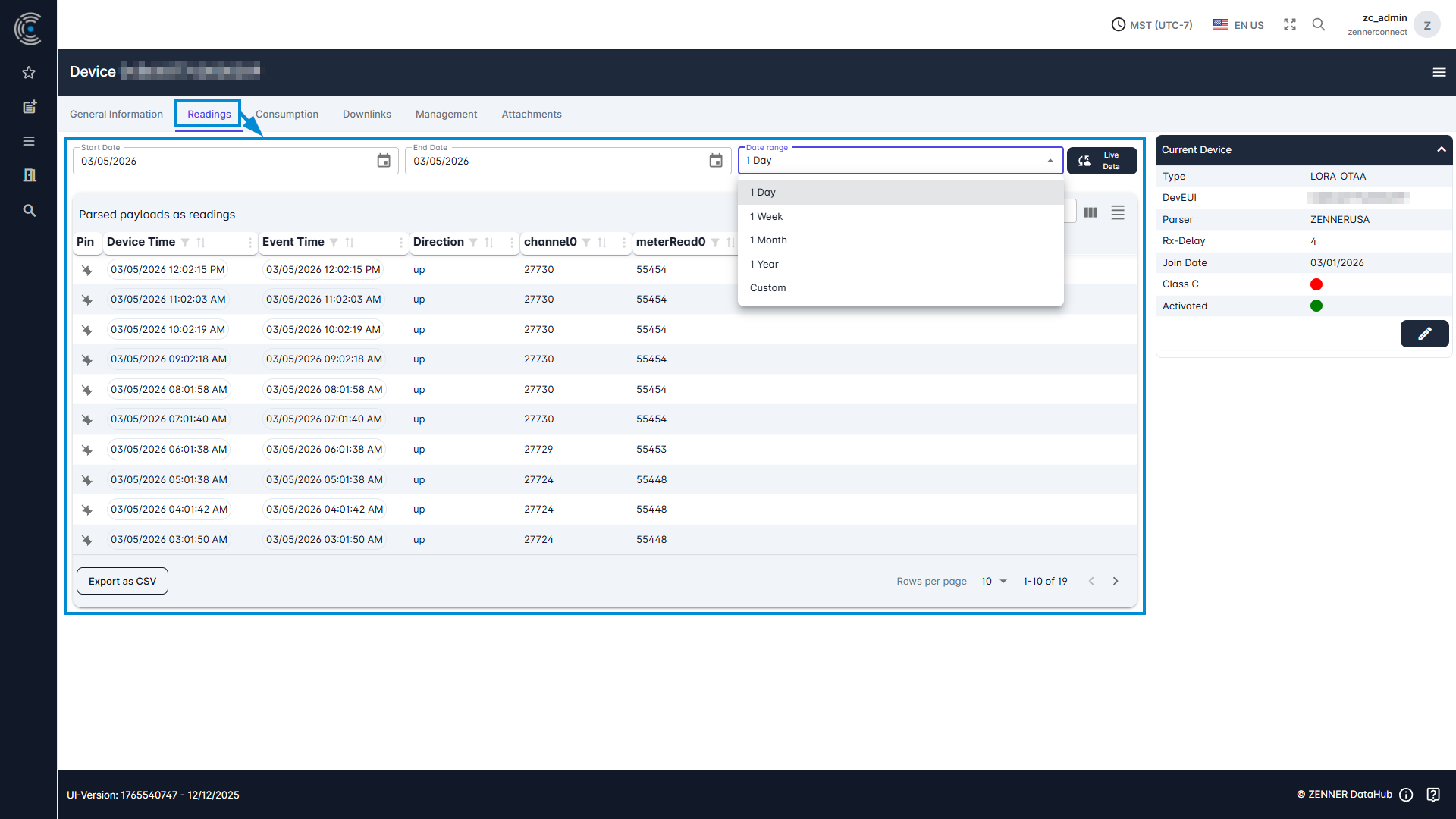
To display the readings of a meter/sensor, select it via the “Device List” and then go to the tab “Readings”.
Here you have the option of filtering the readings according to a time period.
The “live data” button can also be used to activate the live update of the measured values.
If no measured values are displayed here, this may be due to the following:
- The chosen time period is too short
- The measured values are not received by any gateway
- The measured values are received but no parser is selected for the device
- The meter/sensor is not activated
- The meter/sensor was not stored correctly in the tenant (incorrect information)