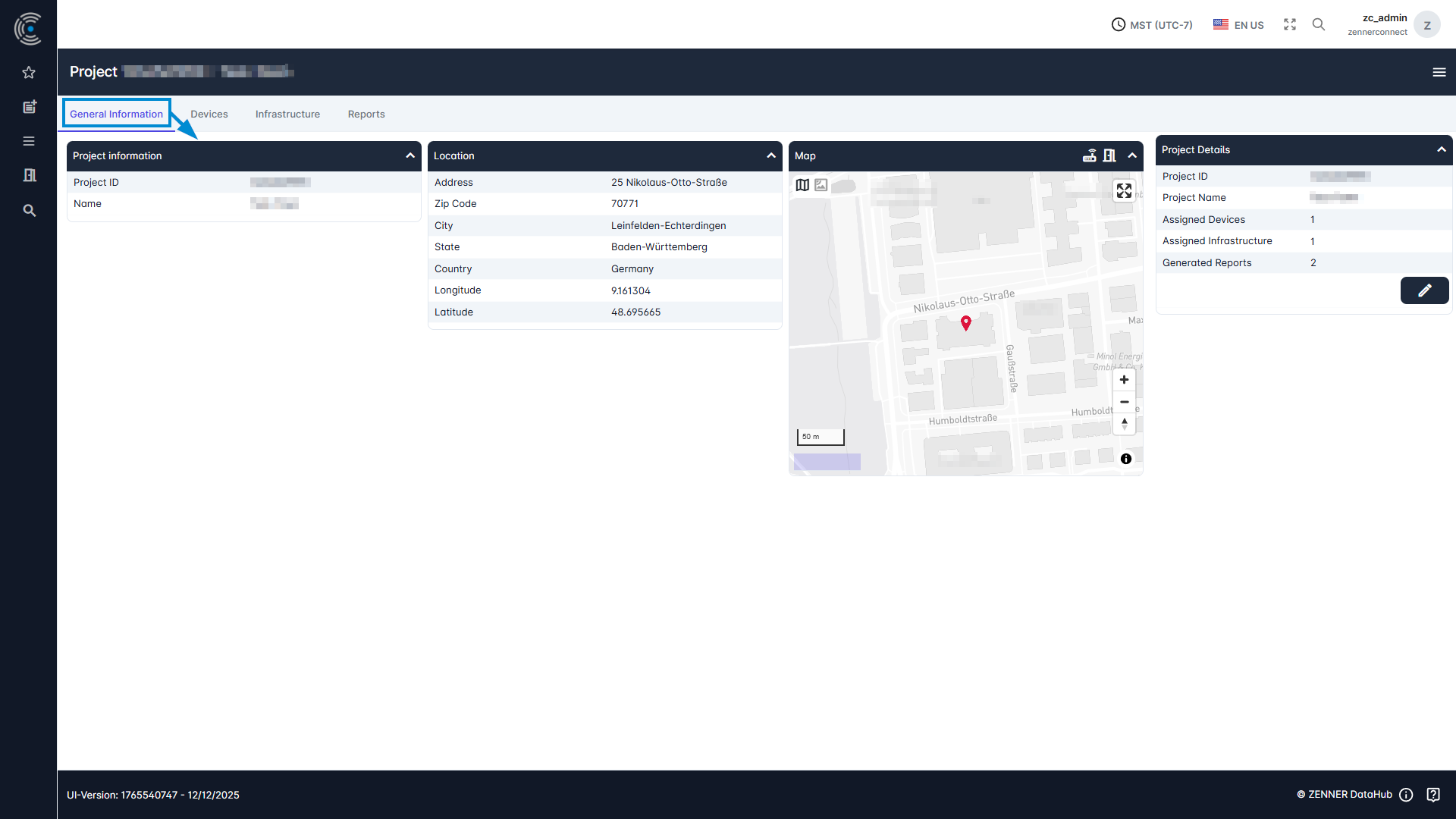
To view the respective general information of a project, open a project in the Project List by simply clicking on it. The tab “General Information” is then the first view after opening a project. This includes project information (project ID, name) and if given, location information (address, zipcode, city and country).
In the center right there is also a map in which the project, if location information has been entered, is displayed.
On the right there are project details where you can see how many devices have been assigned to the project and how many reports have already been generated. Project information such as project ID or custom details can also be adjusted here by clicking on the “Edit” button.